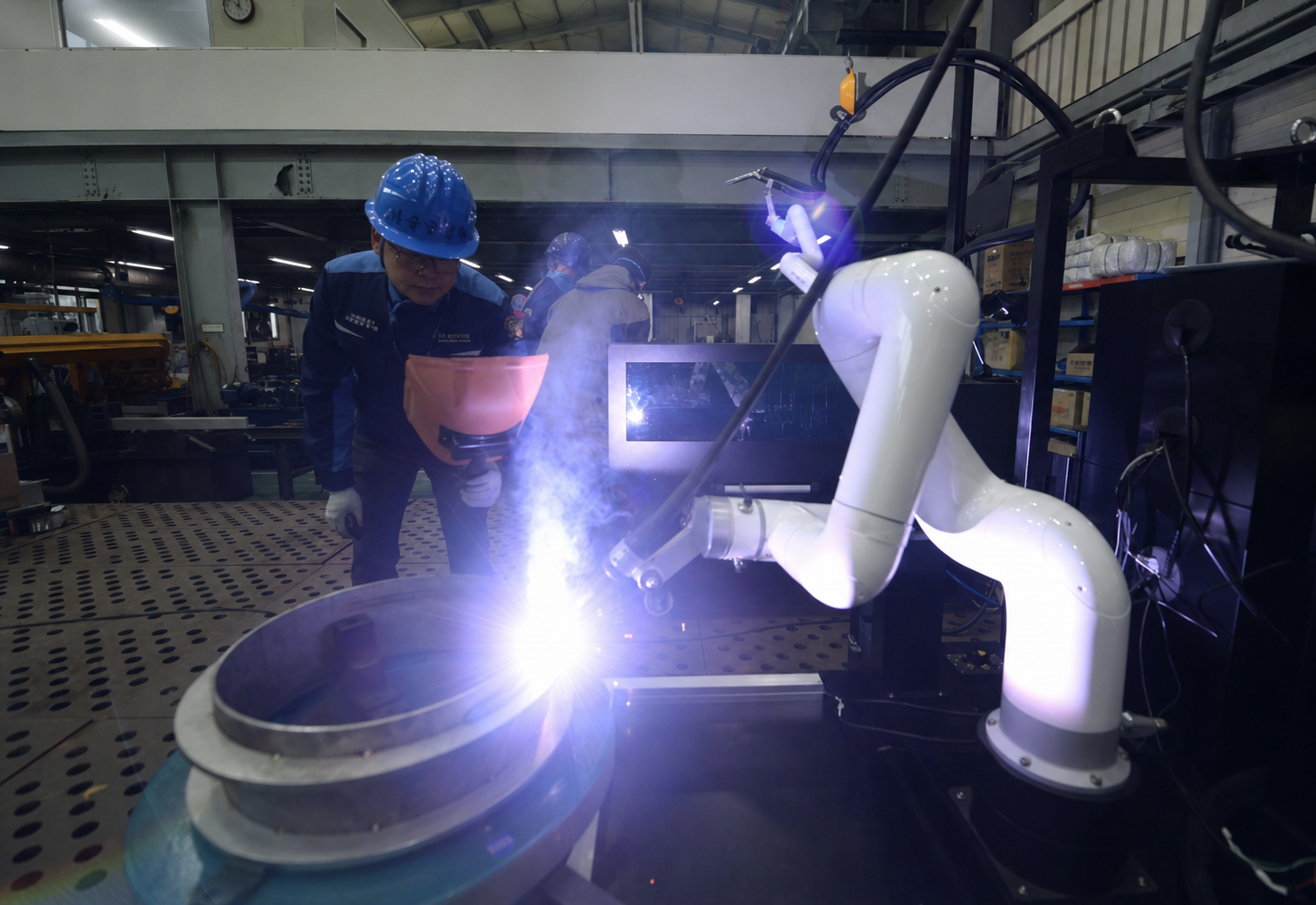
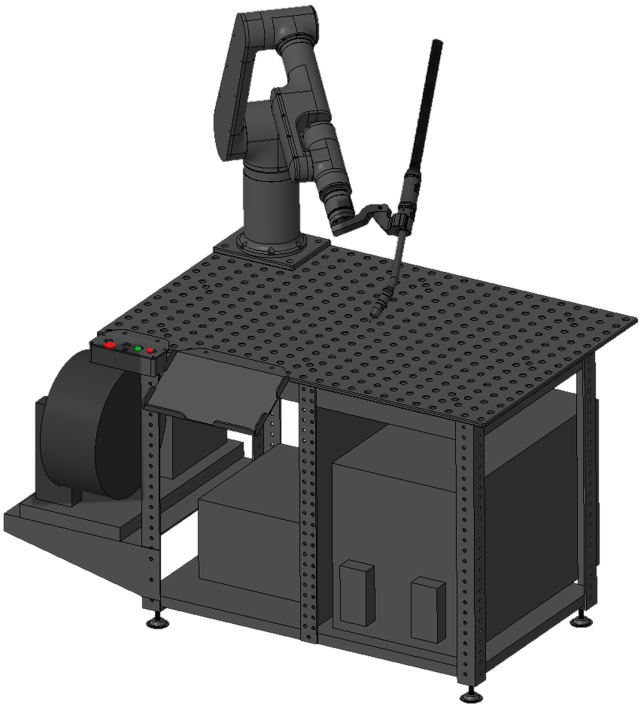
A 3D vision-guided welding system that finds your part and adapts the weld path to its position. Mark weld seams directly on the part image, teach the robot your weld points, and save programs for repeat production.
How It Works
Step 1/5
Scan the Part
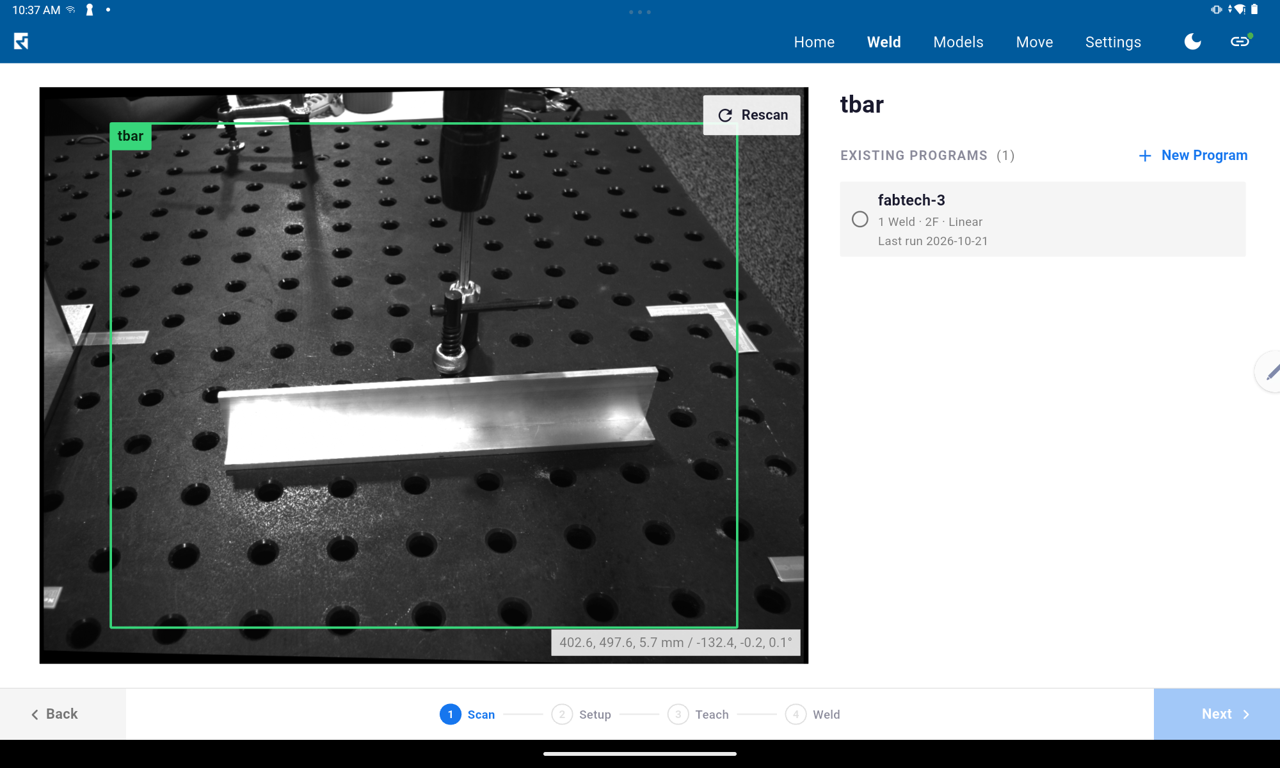
Place the part on the table and tap Scan. The 3D camera identifies the part, determines its position, and displays the welding programs saved for it.
Mark the Welds
Draw each weld seam directly on the part image, then arrange the seams in the order you want to weld them. These visual references make it easy to understand and organize the welding sequence without navigating complex robot code.
Teach and Fine-Tune
Move the welding torch to the start and end of each seam, then save each point using the buttons on the robot arm. Fine-tune voltage, wire feed speed, and travel speed for each weld, or apply a saved parameter set.
Weld
Press Start to run the welding program. The robot welds each seam in sequence while the screen highlights the active seam in real time. Run a single part or set the number of cycles.
Save and Reuse
Each part setup and its welding programs are saved for future use. Next time, simply scan the part and select a program. If the part is positioned slightly differently, the 3D scan automatically adjusts the weld path to match its new position.
1
Scan the Part
Place the part on the table and tap Scan. The 3D camera identifies the part, determines its position, and displays the welding programs saved for it.
2
Mark the Welds
Draw each weld seam directly on the part image, then arrange the seams in the order you want to weld them. These visual references make it easy to understand and organize the welding sequence without navigating complex robot code.
3
Teach and Fine-Tune
Move the welding torch to the start and end of each seam, then save each point using the buttons on the robot arm. Fine-tune voltage, wire feed speed, and travel speed for each weld, or apply a saved parameter set.
4
Weld
Press Start to run the welding program. The robot welds each seam in sequence while the screen highlights the active seam in real time. Run a single part or set the number of cycles.
5
Save and Reuse
Each part setup and its welding programs are saved for future use. Next time, simply scan the part and select a program. If the part is positioned slightly differently, the 3D scan automatically adjusts the weld path to match its new position.
3D Vision
Automatically Adapt to Part Position
A 3D camera identifies the workpiece and determines its position before welding. The system uses that information to align a saved weld program with the part, reducing the need to manually reposition the robot or reteach the path each time part placement changes.
Locate the workpiece: Identify the part and determine its position.
Reuse saved programs: Select an existing program for the identified part.
Adjust the weld path: Compensate for changes in part position without manually reteaching the entire path.
Neuromeka's welding solutions have been reliably proven in real-world industrial applications.
Welding Features
Arc Sensing Seam Tracking
Welding current feedback tracks the seam and compensates during welding.
2-Point Localization
Adjust saved paths to match part position changes.
Precise Motion Control
Smooth, accurate motion for consistent welds.
Direct Teaching
Teach paths by moving the robot by hand.
Collision Detection
Built-in safety for collaborative operation.
Arc Sensing Technology
Neuromeka's arc sensing, combined with touch sensing, uses real-time welding current feedback to track the weld seam and compensate for part and positioning tolerances, improving weld consistency.
Corrects cross-seam and torch-to-work (depth) deviations during welding, and tracks seam offsets of approximately 30 mm.
Recovers the seam and continues tracking after the workpiece is disturbed during welding.
Tracks curved weld paths using touch sensing for start and end positioning, and arc sensing for continuous seam tracking.
Choose Your Robot
OPTi Series
Welding Collaborative Robot
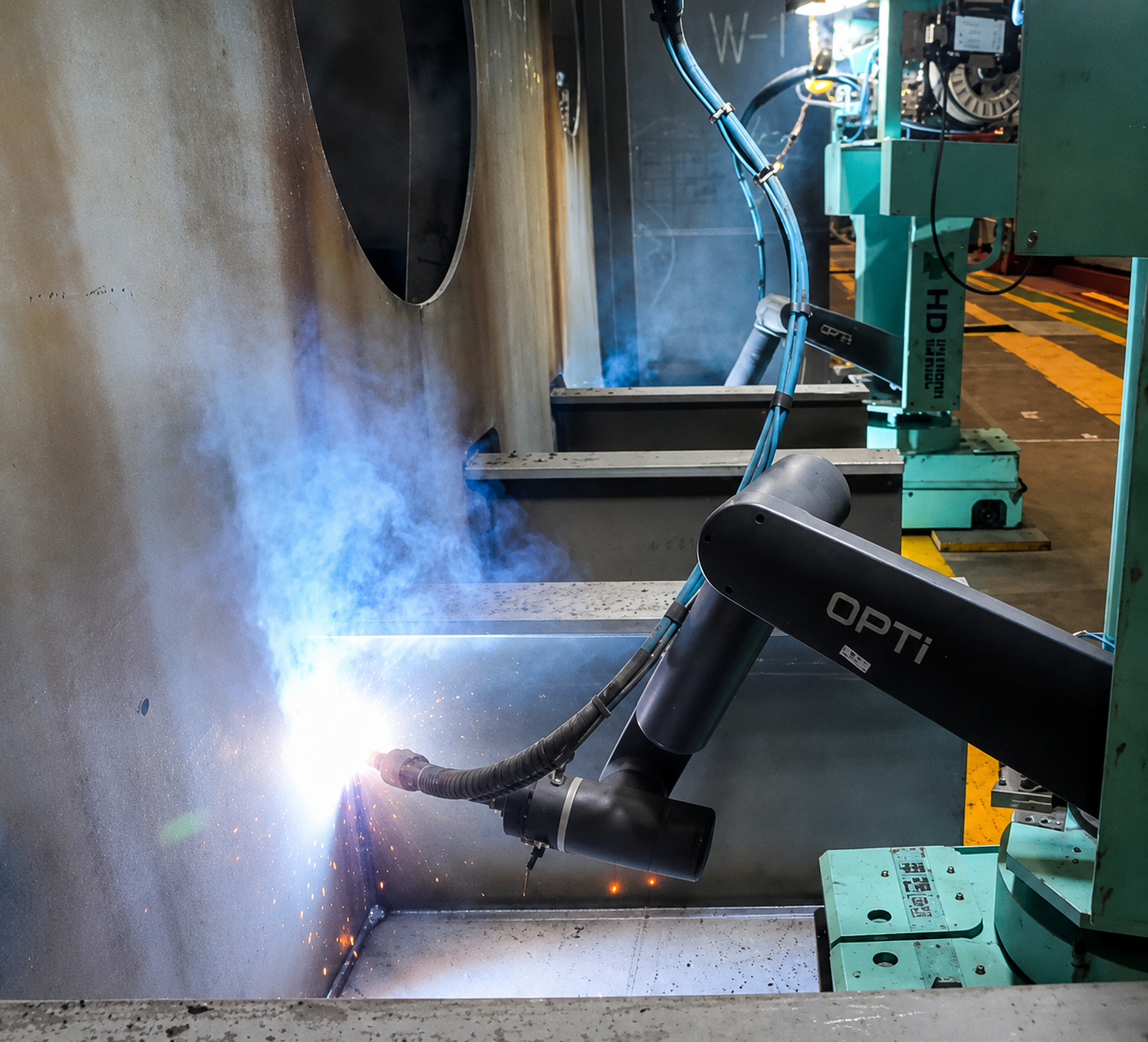
Purpose-built for welding with specialized kinematics that improve vertical welding while maintaining the flexibility of a collaborative robot.